

Make suggestions
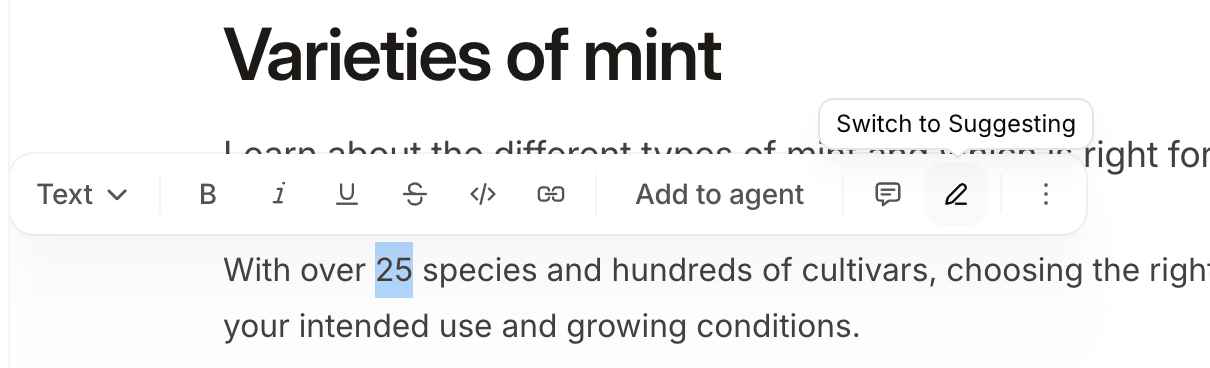
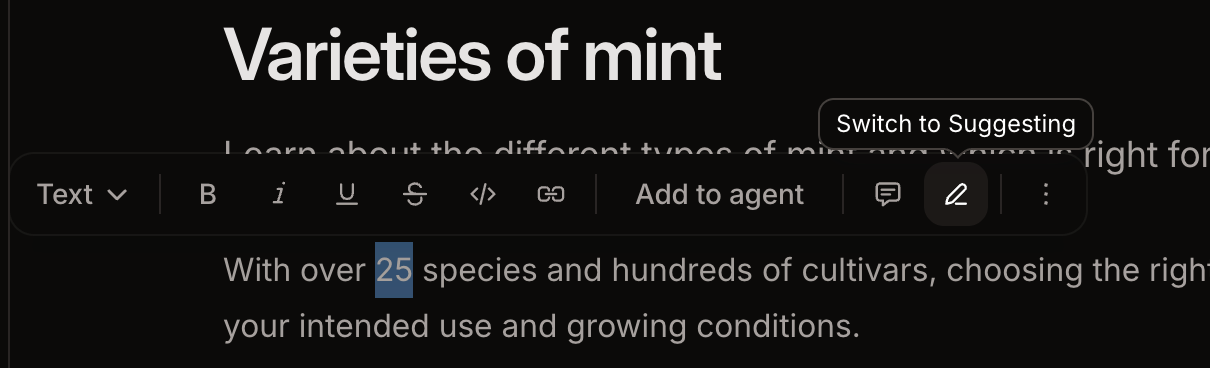
- Highlight any text on the page.
- Click the Switch to Suggesting button in the toolbar.
- In suggesting mode, edit any text. Deletions and insertions appear with highlighting so that reviewers can identify the changes you propose.
- To exit suggesting mode, click the Switch to Editing button in the floating toolbar or the X on the Suggesting pill in the top bar.
Viewers are always in suggesting mode. Suggesting mode activates automatically when a viewer opens the editor. The Suggesting pill is visible but not interactive for viewers, so they remain in suggesting mode. This lets viewers propose changes without directly editing content.
Accept a suggestion
- Click the highlighted suggestion text.
- Click the Accept button to apply the suggested change.
Reject a suggestion
- Click the highlighted suggestion text.
- Click the Reject button to discard the proposed change.